Annotations
Annotations are in alpha and may change. If you have feedback, open a GitHub issue.
An annotation draws a pen mark and a note over a shape or a connection. It never
changes the layout. With animation, marks are drawn and erased
as steps change.
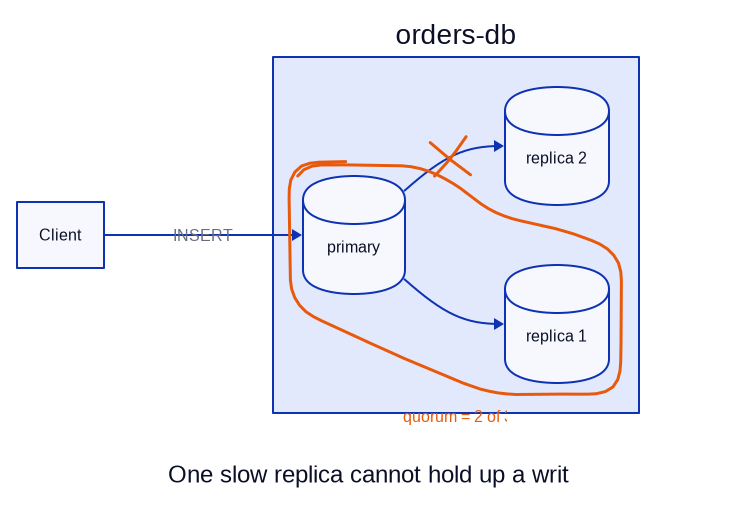
View D2 source
Syntax
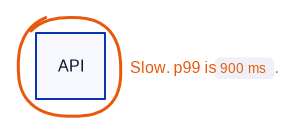
The value is the note, in Markdown. Every key inside is optional.
Marks
shape picks the mark. Without it, D2 picks one that suits the target.
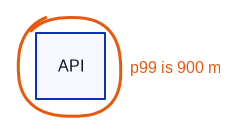
Circle
The default for a shape.
View D2 source
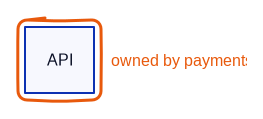
Box
View D2 source
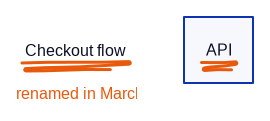
Underline
The default for shape: text. On other shapes it goes under the label.
View D2 source
Brace
The default for a container.
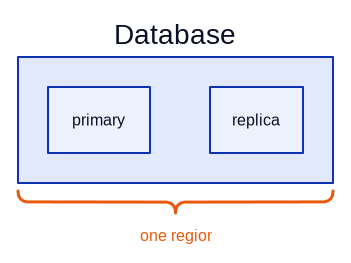
View D2 source
Cross
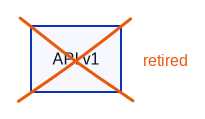
View D2 source
Highlight
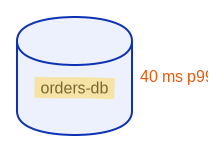
View D2 source
Arrow
The note goes where there is room. An arrow joins it to the target.
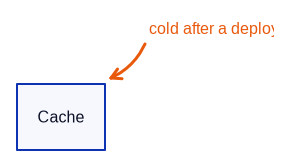
View D2 source
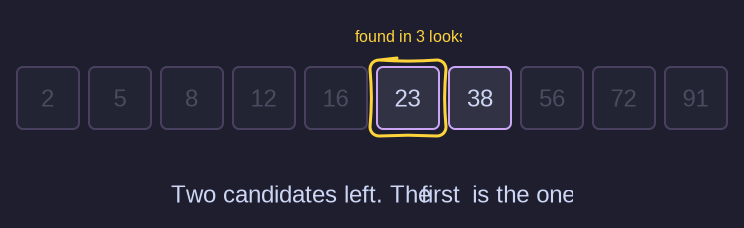
Lasso
One loop round every shape that a class or a glob gives it to.

View D2 source
Connections
A connection takes trace, cross, highlight or arrow. trace is the default.
highlight runs over the connection's label.

View D2 source
Notes
Markdown
View D2 source
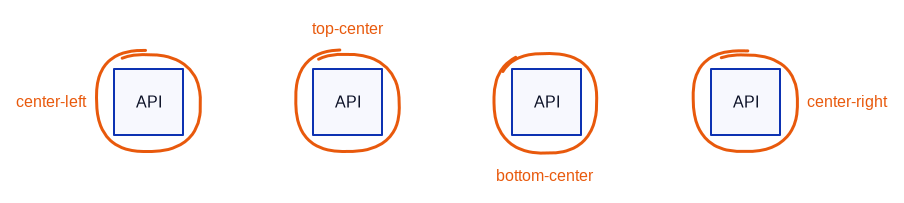
Position
near takes top-center, bottom-center, center-left or center-right.
Without it, the note goes where it covers the least.
View D2 source
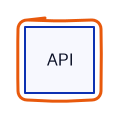
No note
View D2 source
Color
style.stroke is the pen. style.font-color colors the note alone.

View D2 source
Captions
An annotation on the board is its caption. A link to a shape marks that shape.
Put a key that has a space in it in angle brackets: [the balancer](<load balancer>).

View D2 source
Globs
A glob with a filter marks every shape that matches.

View D2 source
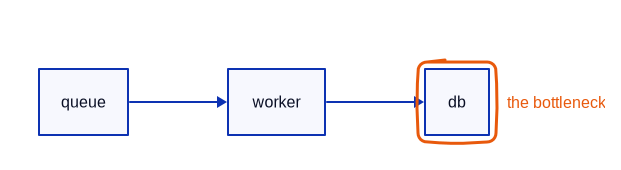
Steps
An annotation lasts for one board. A step inherits shapes and connections, not annotations. One that a class or a glob gives a shape holds on every board.
View D2 source
Animation
With animate-duration, a step's marks are drawn
and the previous step's are erased. Each step is held long enough to read its text.
View D2 source
Sketch
